
Editorial illustration SNASTI.NET.
A fishfinder helps gather information about water and bottom structure, but it does not guarantee a catch. Start by understanding your model, how to install it, and the conditions in which it will operate.
What to look out for
Installation
The transducer and power-supply placement must follow the documentation. Poor mounting can hinder data acquisition. Before heading out, check cables, power reserves, and that the kit does not interfere with vessel control.
Reading gradually
First, observe the depth display and bottom changes on a familiar stretch. Do not interpret every mark as a specific fish species. Conditions, movement and settings affect the picture, so repeated comparisons are useful.
Recording observations
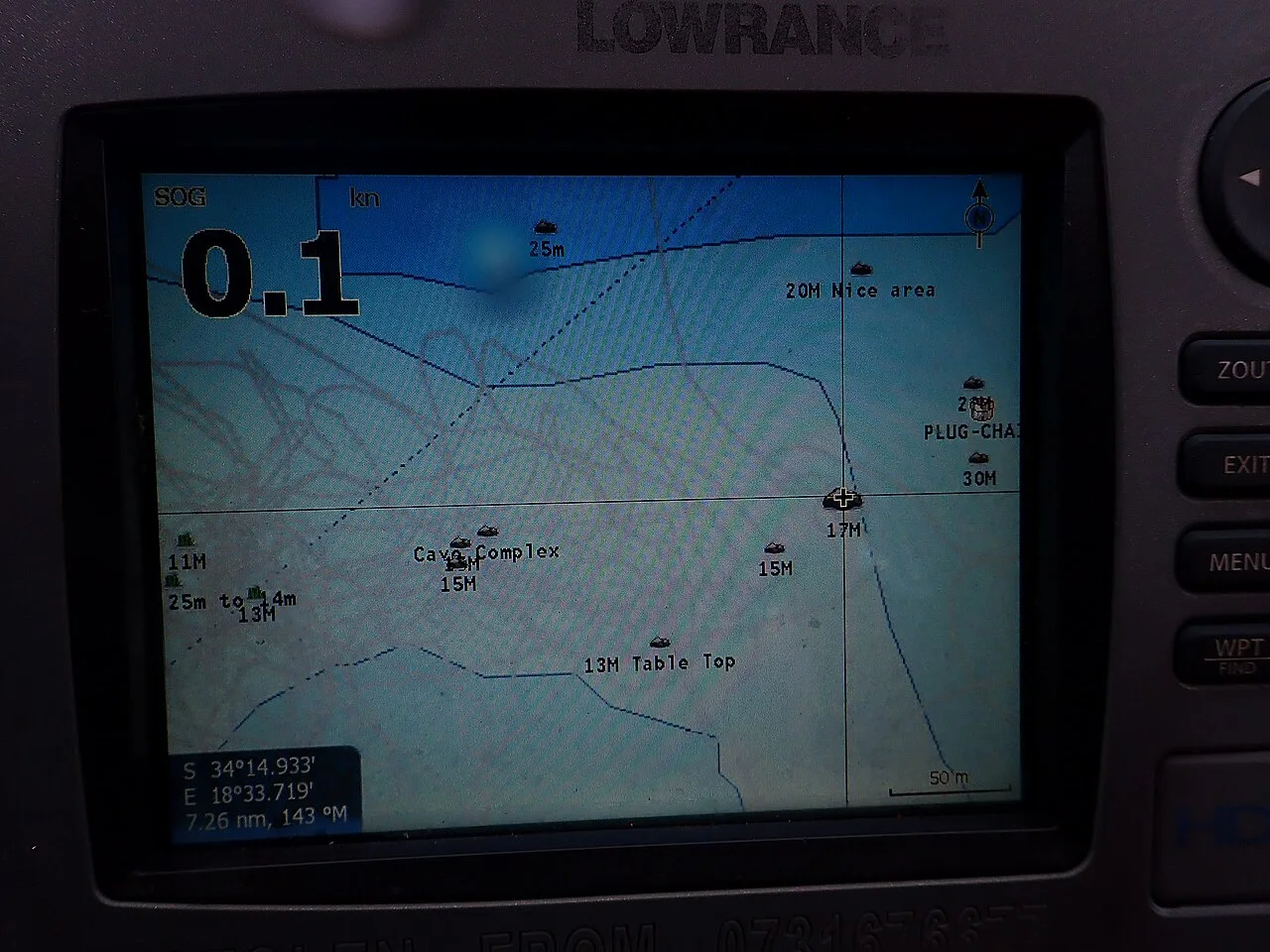
Keep clear markers and notes if the device supports it. Compare the data with the actual performance of your gear and available observations. Do not overload the map with dozens of unlabeled points in a single day.
How to check your choice
Gear is evaluated as an assembled set. At home, check connections, access to adjustments, and ease of handling with wet hands. On the water, start with a short test near an accessible shore: it’s easier to notice twists, excess friction or poor placement of items than to fix them while fishing.
Practical summary
The first practical result is learning to consistently see the bottom structure and understand the device’s limitations. Complex modes are easier to master after basic settings, using the instruction manual for your specific model.
Next step: open tools for gear preparation and the location map, to link the recommendations with a specific outing. Check current access to the chosen area before you go.